
USDT on TRON (often called USDT TRC20) is one of the most common ways customers pay in stablecoins. To receive it you need a TRON address: 34 characters starting with T. Any self-custodial wallet that supports TRON gives you one, and the same address receives TRX, USDT and other TRC20 tokens.
Step 1: Pick a wallet that supports TRON
All three of these were checked in November 2026 and show a TRON address:
| Wallet | Where to find the TRON address |
|---|---|
| Trust Wallet | Receive crypto → search "Tron" → QR icon |
| OKX Web3 Wallet | Receive → search "TRX" → pick TRON |
| MetaMask | Receive → Tron row (recent versions) |
Step 2: Copy the address
Open the TRON receive screen and use the wallet's Copy button.
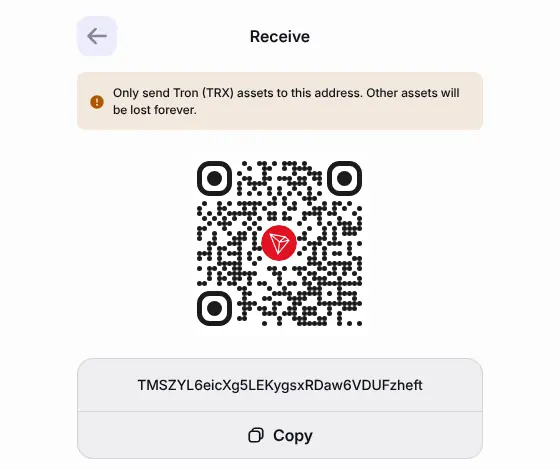
Check it:
- It starts with
Tand is 34 characters long. - The first and last six characters match the wallet.
- It's not an Ethereum (
0x…) address. USDT exists on many networks, and each needs its own address; see Coins, tokens and networks.
Step 3: Paste it into PayGate.to
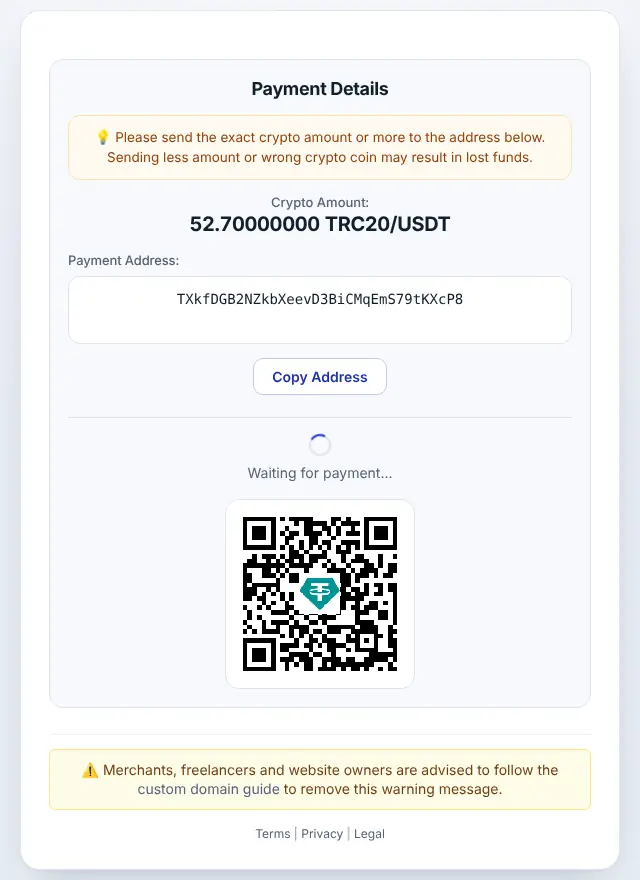
Use the TRON address in the TRC20 (USDT-TRON) field of your PayGate.to plugin, or as address in GET /crypto/trc20/usdt/wallet.php with the API. Customers then see USDT · TRC20 on the hosted checkout.
You need TRX to move USDT later
Receiving USDT is free for you. Sending it later costs a network fee paid in TRX (TRON's own coin), not in USDT. Keep a small amount of TRX in the same wallet, or the USDT can't be moved until you add some. USDT TRC20 transfers are among the more expensive TRON transactions, so check the fee your wallet shows before sending.
Minimum amounts
PayGate.to's minimum for USDT TRC20 was 10 USDT at the time of writing, higher than on most other networks because TRON forwarding fees are higher. Payments below the minimum can't be forwarded. Always check the live minimums. Cheaper networks for small USDT payments include Polygon, BNB Smart Chain, Solana and TON; see Accept USDT payments.
Frequently asked questions
Is TRC20 the same as TRON?
TRC20 is the token standard on the TRON network, like ERC20 on Ethereum. A "USDT TRC20 address" is simply a TRON address.
Can I receive USDT TRC20 on my 0x address?
No. 0x… addresses are for EVM networks. USDT sent on TRON must go to a T… address.
My USDT arrived but I can't send it. Why?
You probably have no TRX for fees. Send a little TRX to the same address, then try again.
Does a new TRON address need activating?
A TRON account is activated the first time it receives TRX or a token transfer. The sender pays for this, so your first USDT payout works without any action from you.