
Feather Wallet is a free, open-source Monero wallet for desktop computers. It's small, fast, routes its traffic through an anonymity network by default and also runs on Tails. This guide uses Feather 2.9.1 (November 2026) and shows every screen up to copying an address for your PayGate.to Monero payouts.
Step 1: Download and verify Feather
Download Feather from featherwallet.org (type it yourself). Each file has a .asc signature. We verified ours with gpg and Feather's signing key:
gpg --import featherwallet.asc
gpg --verify feather-2.9.1.AppImage.asc feather-2.9.1.AppImagegpg: Signature made Mon Nov 2 08:49:44 2026 UTC
gpg: using RSA key 8185E158A33330C7FD61BC0D1F76E155CEFBA71C
gpg: Good signature from "FeatherWallet <[email protected]>" [unknown]
Primary key fingerprint: 8185 E158 A333 30C7 FD61 BC0D 1F76 E155 CEFB A71CCheck that the fingerprint matches the one Feather publishes. See Verify wallet downloads for what each line means.
Step 2: Choose how Feather connects
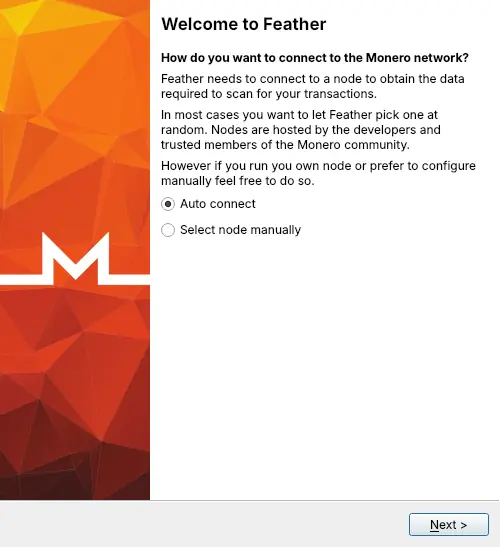
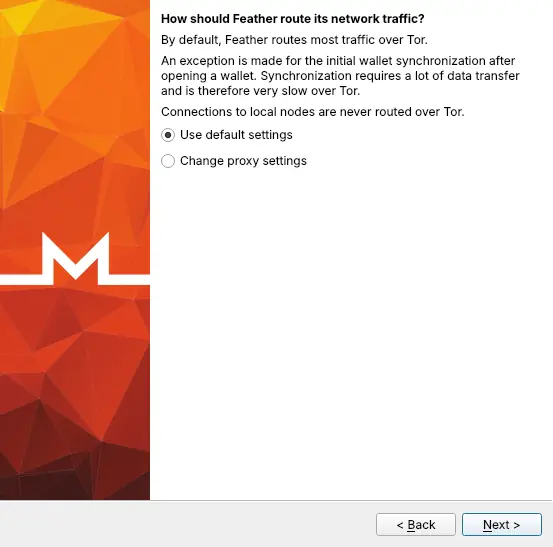
The first screens set up networking. Auto connect picks a public Monero node for you; Use default settings sends most traffic through the anonymity network. Both defaults are good for most people.
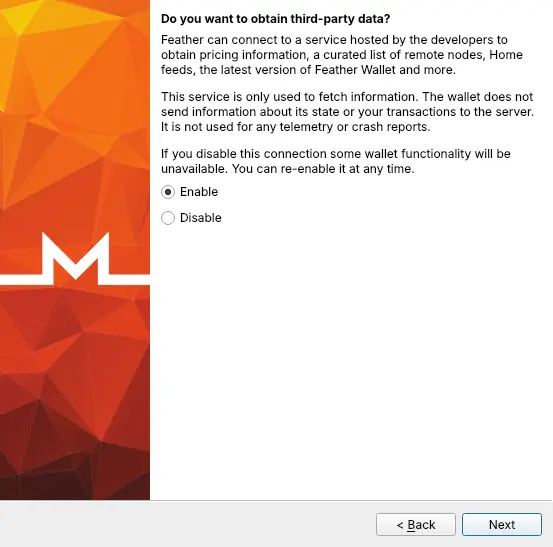
The next screen asks whether Feather may fetch prices, node lists and update notices from its developers' server. The wallet works either way; this service never receives your transactions.
Step 3: Create a new wallet
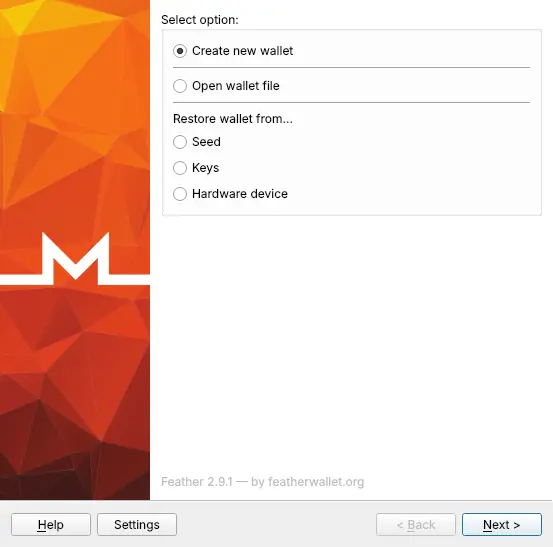
Select Create new wallet and click Next.
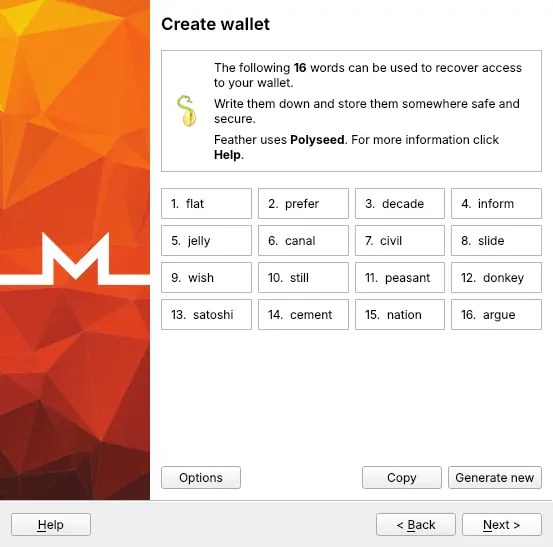
Step 4: Write down the 16-word seed
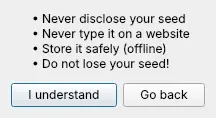
Feather shows 16 words. It uses the Polyseed format, which also stores the wallet's creation date so restoring is fast. Write the words on paper, in order.
Step 5: Name the wallet and set a password
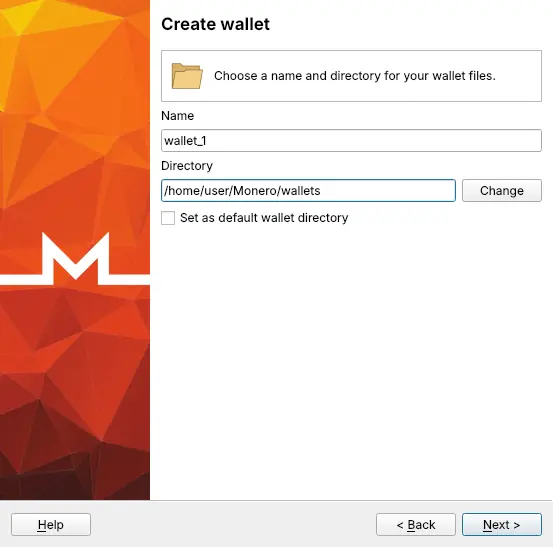
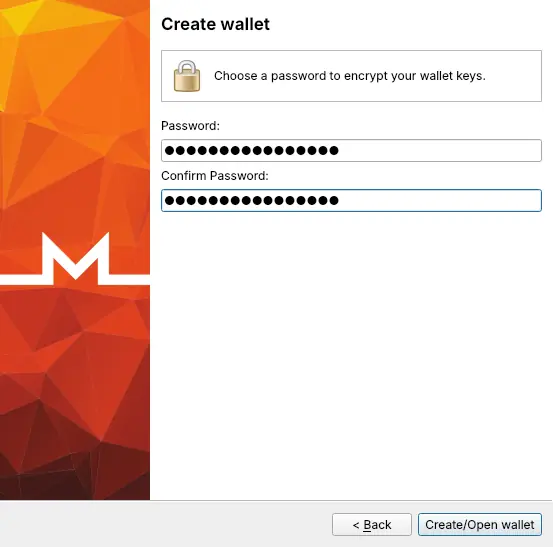
Keep the name or type your own. The password encrypts the wallet files on this computer.
Step 6: Copy a receiving address
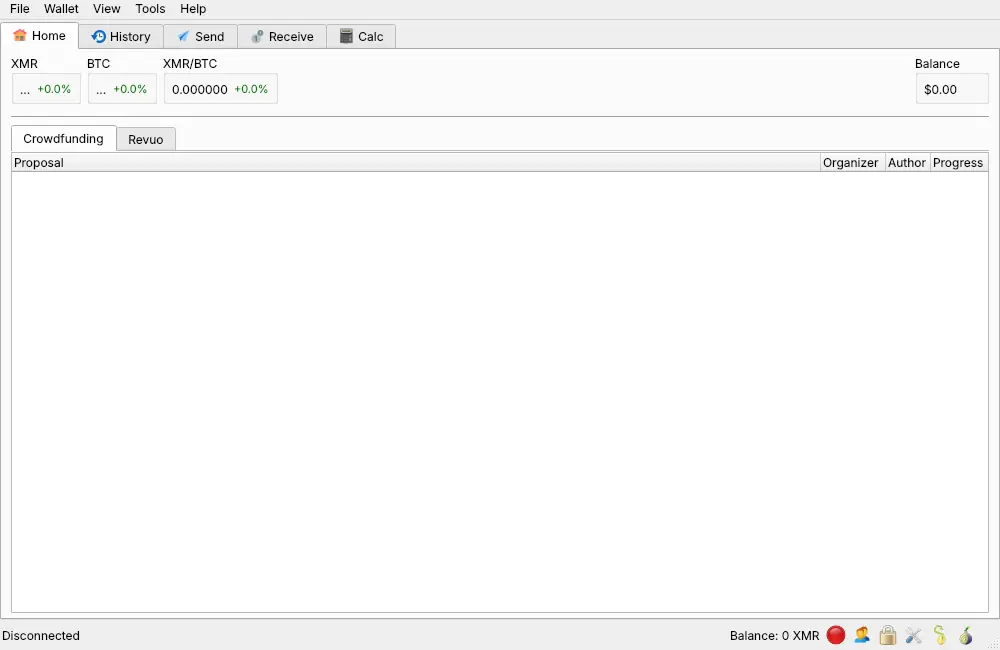
The wallet opens on the Home tab. Open Receive.
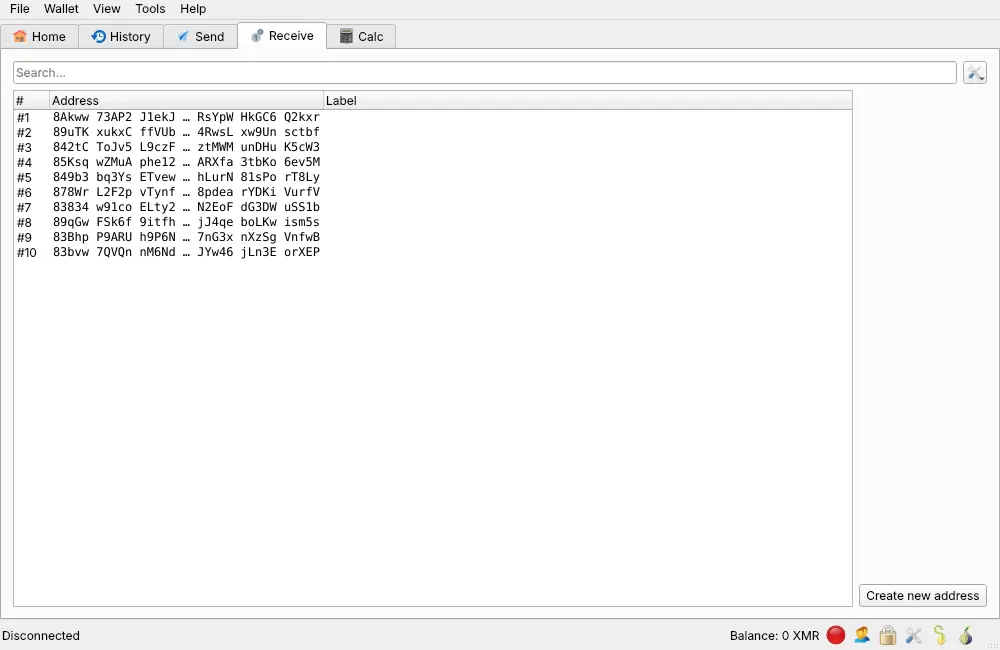
Feather lists subaddresses: addresses starting with 8 that all belong to this wallet. Right-click one and choose Copy address.
Use it with PayGate.to
Paste the address into the Monero (XMR) field of your PayGate.to plugin, or use it as address in GET /crypto/xmr/wallet.php with the crypto payment API. Customers pay a one-time Monero address and PayGate.to forwards the XMR to yours.
Frequently asked questions
Why does Feather show "Disconnected"?
It needs a few moments to connect to a node (longer through the anonymity network). Payouts are recorded on the Monero blockchain either way; Feather shows them once it has synced.
Should I use a new subaddress for each shop?
You can. All subaddresses belong to the same wallet and seed, and using one per shop or purpose makes it easy to see where payouts came from. On the blockchain, subaddresses can't be linked to each other by outsiders.
How long until Monero payouts can be spent?
Monero outputs are locked for 10 blocks after they're received, about 20 minutes. See Confirmations: when is a crypto payment final?.
Can I use Feather on Tails?
Yes. Tails' own documentation describes running Feather there as an AppImage (Feather isn't preinstalled). Bring the verified AppImage on a USB stick; it's a good way to use a Monero wallet on a computer that leaves no traces. See Use Tails as an offline computer for crypto keys.