
Monero (XMR) is the leading privacy coin: amounts, senders and receivers aren't visible on its blockchain. Customers who value privacy actively look for shops that accept it. With PayGate.to, Monero payments are forwarded to your own Monero wallet, with no account and no KYC.
What you need
- A Monero address you control: a main address starting with
4or a subaddress starting with8, 95 characters long. Guides: Feather Wallet on a computer or Cake Wallet on a phone. We confirmed that PayGate.to accepts both kinds. - A PayGate.to plugin, or the API.
Monero on your platform
Paste your Monero address into the Monero wallet field of the plugin's multi-coin settings. Step-by-step guides for each platform:
| Platform | Guide |
|---|---|
| WooCommerce | Monero on WooCommerce |
| Easy Digital Downloads | Monero on Easy Digital Downloads |
| WHMCS | Monero on WHMCS |
| FOSSBilling | Monero on FOSSBilling |
| Magento | Monero on Magento |
| OpenCart | Monero on OpenCart |
| PrestaShop | Monero on PrestaShop |
| Paymenter | Monero on Paymenter |
What your customer sees
We created a real Monero checkout for a 49.90 USD order through the API and captured each step.
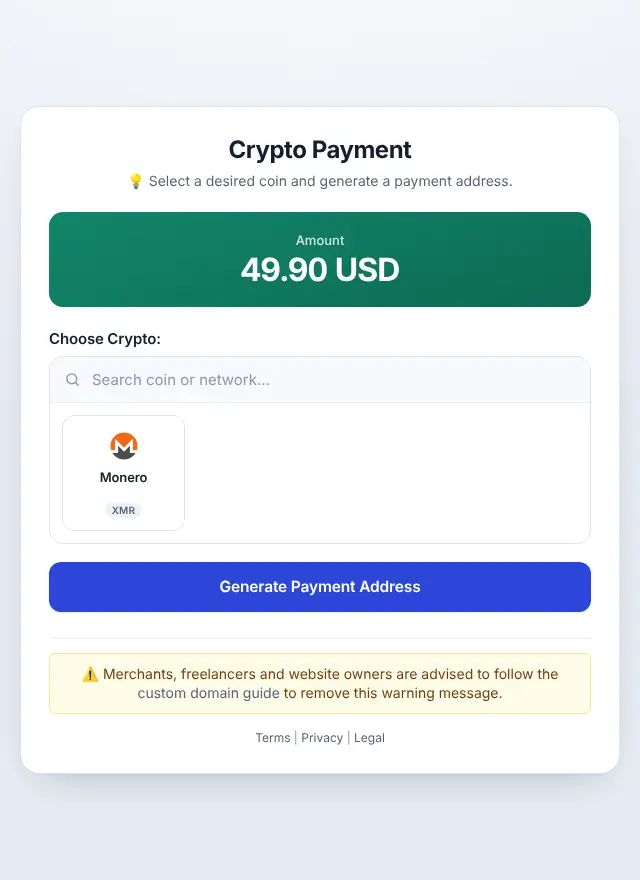
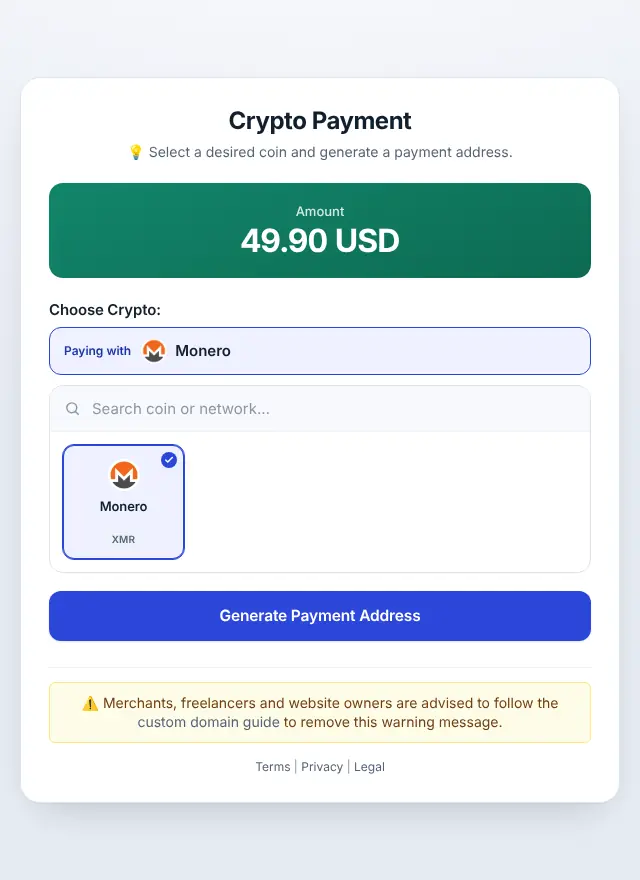
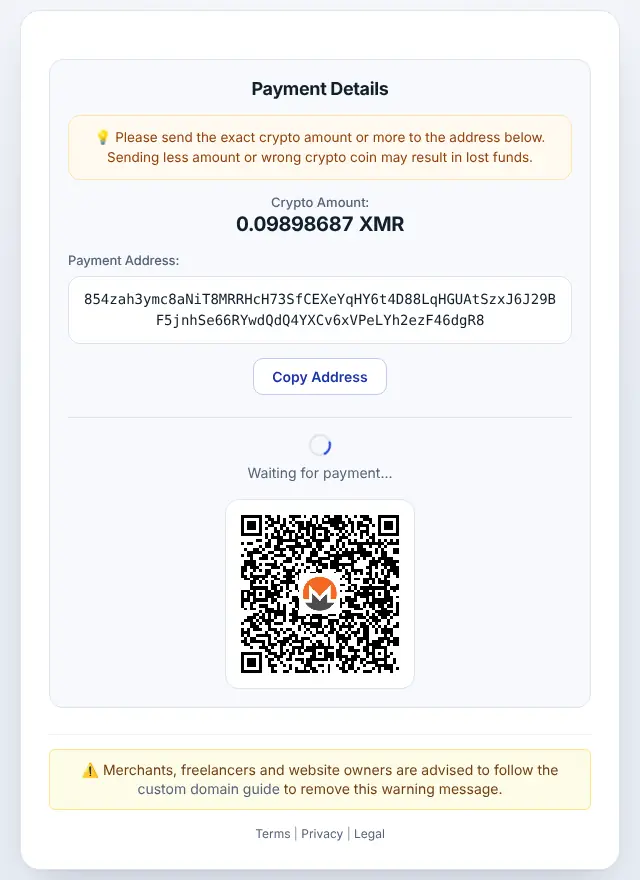
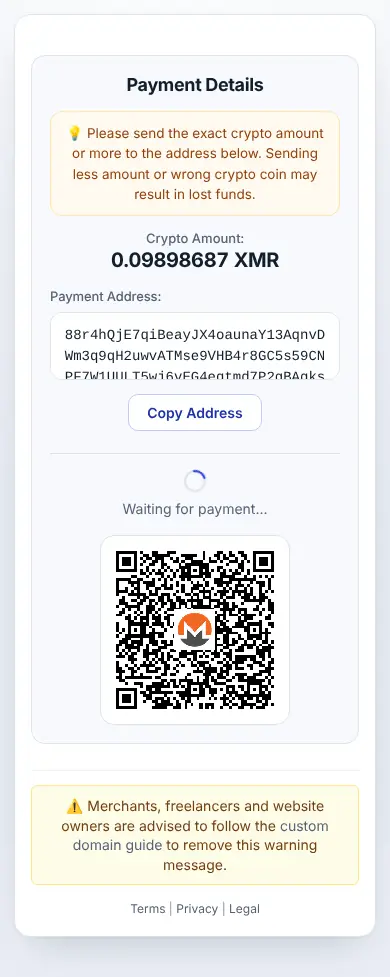
The page works on phones too, where customers usually pay from a mobile Monero wallet:
Monero with the API
curl "https://api.paygate.to/crypto/xmr/wallet.php?address=8YOURMONEROADDRESS&callback=https%3A%2F%2Fshop.example8585859.com%2Fpaygate%2Fcallback%3Forder%3D1001"The response contains address_in (the one-time Monero address to show the customer), callback_url and ipn_token. Full walkthrough: Monero payment API.
Minimum, fees and timing
- Minimum: 0.01 XMR at the time of writing (see live minimums).
- Fees: Monero network fees are usually small.
- Timing: Monero blocks arrive about every 2 minutes, and received funds unlock after 10 blocks (about 20 minutes) before they can be forwarded. Tell customers the order updates automatically and they don't need to wait on the page.
Privacy, done right
- Customers pay a fresh Monero address per order and never see your wallet address.
- On the Monero blockchain, outsiders can't link the payment to your wallet.
- For your own records, the callback includes the amount and transaction IDs.
Frequently asked questions
Can I use a Monero subaddress as my payout wallet?
Yes. We created a PayGate.to payment address with a subaddress (8…) as the payout wallet, and the API accepted it.
Why does a Monero payment take longer to complete than USDT on Polygon?
Monero locks received funds for 10 blocks (about 20 minutes) by design. The customer has paid; the forwarding just waits for the lock.
Is Monero legal to accept?
Rules differ by country, and some exchanges don't list Monero. Check the rules that apply to your business before you offer it.
Do customers need an account?
No. They pay from any Monero wallet. Neither they nor you create an account with PayGate.to.